
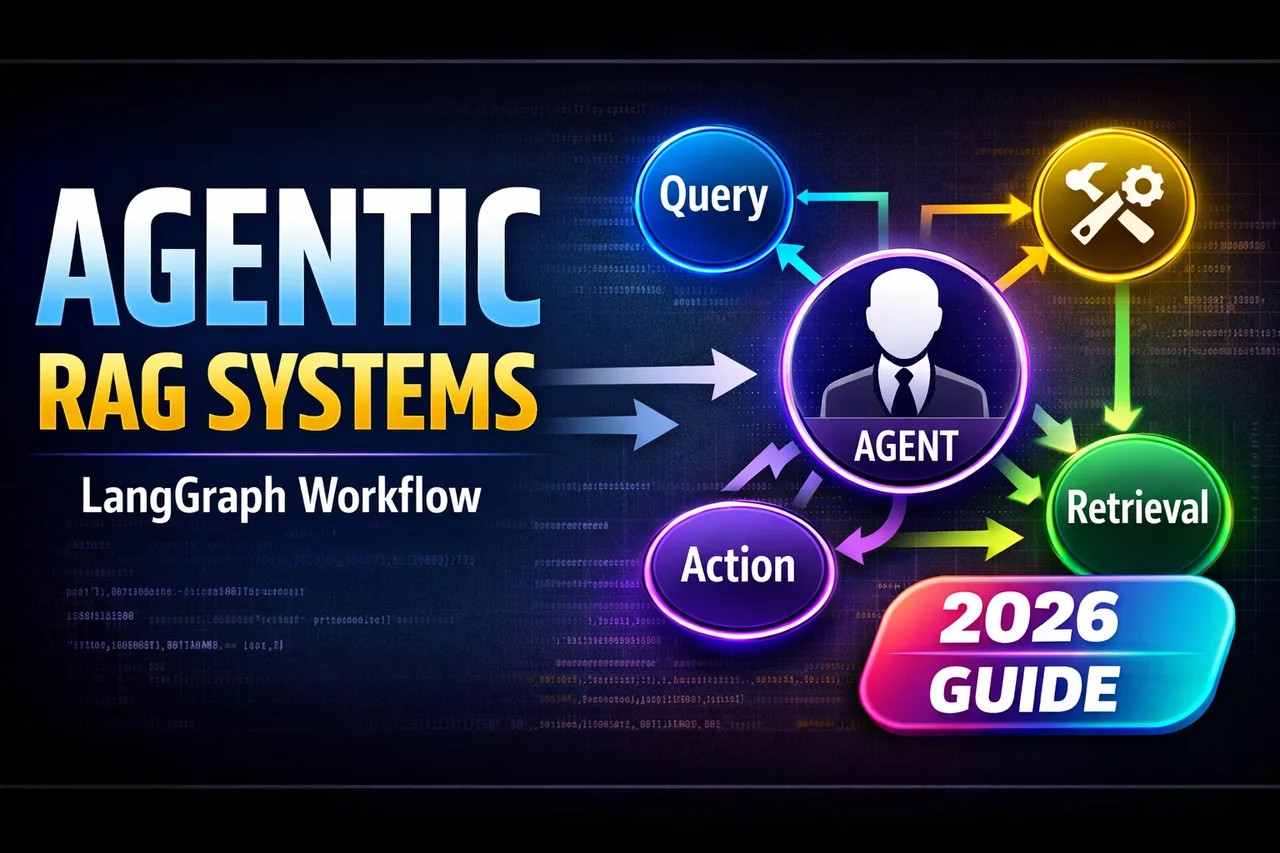
Building Agentic RAG Systems with LangGraph: The 2026 Guide
Building Agentic RAG Systems with LangGraph: The 2026 Guide
Date: January 3, 2026
Category: Artificial Intelligence / Engineering
Reading Time: 15 Minutes
1. Introduction: The Death of “Naive” RAG
It is January 2026. If you are still deploying “Naive RAG”—the simple Retrieve -> Augment -> Generate linear chain—you are likely frustrating your users.
In 2024 and 2025, we learned that linear RAG pipelines are brittle. They fail when the retrieved documents are irrelevant. They hallucinate when the answer isn’t in the database. They give up when the query is complex.
Enter Agentic RAG.
Agentic RAG is not a pipeline; it is a loop. It is a system where an LLM (Large Language Model) acts as a reasoning engine, not just a text generator. It has the autonomy to:
- Self-Correct: “This retrieved document isn’t relevant. I need to search again.”
- Query Rewrite: “The user’s question is vague. I will rewrite it for better search results.”
- Multi-Step Reasoning: “I need to look up the sales data first, then calculate the growth rate.”
- Tool Use: “I need to check the live weather API, not just the vector database.”
In this guide, we will build a production-grade Agentic RAG system using LangGraph, the industry standard for stateful, cyclic AI workflows.
2. The Architecture: Flows, Not Chains
Before writing code, we must understand the mental shift from LangChain (DAGs) to LangGraph (Cyclic Graphs).
In a standard RAG chain, data flows in one direction:
Input -> Retriever -> LLM -> Output
In our Agentic RAG, we will build a State Machine. The system will have a “memory” (State) that persists across steps. The architecture looks like this:
- Router: Decides if the query needs retrieval or if it’s just casual conversation.
- Retriever: Fetches documents from the Vector Store.
- Grader: (The crucial agentic step) An LLM evaluates the retrieved documents. Are they relevant?
- If Yes: Pass to Generator.
- If No: Trigger a Query Rewrite and loop back to retrieval.
- Generator: Synthesizes the answer.
- Hallucination Checker: Checks if the generated answer is actually supported by the documents.
- If Yes: Final output.
- If No: Loop back and retry.
This “Loop-on-Failure” mechanism is what makes the system “Agentic.” It doesn’t just fail; it tries to fix the problem.
3. The Tech Stack (Jan 2026 Edition)
To follow this tutorial, you will need:
- Python 3.12+
- LangGraph: For orchestration.
- LangChain Core: For interface definitions.
- Vector Database: We will use ChromaDB (locally) or Pinecone (cloud).
- LLM: We will use
gpt-4oorclaude-3-5-sonnet(still widely used standards) via API.
Installation
pip install langgraph langchain langchain-openai chromadb4. Step-by-Step Implementation
Step A: Define the State
The “State” is the brain of your agent. It is a dictionary that tracks the conversation history, retrieved documents, and current status.
from typing import Annotated, List, TypedDict
from langchain_core.messages import BaseMessage
from operator import add

class GraphState(TypedDict):
    """
    Represents the state of our graph.

    Attributes:
        question: The user's original question.
        generation: The LLM's generated answer.
        documents: A list of retrieved documents.
        retry_count: To prevent infinite loops.
    """
    question: str
    generation: str
    documents: List[str]
    retry_count: int
Step B: The Nodes (The Workers)
We need to define Python functions for each step in our graph.
1. The Retrieval Node
This node queries the vector database.
from langchain_community.vectorstores import Chroma
from langchain_openai import OpenAIEmbeddings

# Initialize Vector DB (Assume we have indexed data already)
vectorstore = Chroma(
    collection_name="rag-chroma",
    embedding_function=OpenAIEmbeddings(),
    persist_directory="./chroma_db"
)
retriever = vectorstore.as_retriever()

def retrieve(state):
    print("---RETRIEVE---")
    question = state["question"]
    documents = retriever.invoke(question)
    return {"documents": documents, "question": question}
2. The Grading Node (The “Critic”)
This is where the magic happens. Instead of blindly trusting the retrieval, we ask a specialized “Grader LLM” to score the relevance.
from langchain_core.prompts import ChatPromptTemplate
from langchain_openai import ChatOpenAI
from langchain_core.pydantic_v1 import BaseModel, Field

# Data model for the grader's output
class GradeDocuments(BaseModel):
    """Binary score for relevance check."""
    binary_score: str = Field(description="Documents are relevant: 'yes' or 'no'")

llm = ChatOpenAI(model="gpt-4o", temperature=0)
structured_llm_grader = llm.with_structured_output(GradeDocuments)

system_prompt = """You are a grader assessing relevance of a retrieved document to a user question.
If the document contains keyword(s) or semantic meaning related to the question, grade it as relevant.
Give a binary score 'yes' or 'no' score to indicate whether the document is relevant to the question."""

grade_prompt = ChatPromptTemplate.from_messages(
    [("system", system_prompt), ("human", "Retrieved document: \n\n {document} \n\n User question: {question}")]
)

retrieval_grader = grade_prompt | structured_llm_grader

def grade_documents(state):
    print("---CHECK DOCUMENT RELEVANCE---")
    question = state["question"]
    documents = state["documents"]

    # Score each doc
    filtered_docs = []

    for d in documents:
        score = retrieval_grader.invoke({"question": question, "document": d.page_content})
        grade = score.binary_score
        if grade == "yes":
            print("---GRADE: DOCUMENT RELEVANT---")
            filtered_docs.append(d)
        else:
            print("---GRADE: DOCUMENT NOT RELEVANT---")
            continue

    return {"documents": filtered_docs, "question": question}
3. The Generate Node
If the documents are good, we generate an answer.
from langchain_core.output_parsers import StrOutputParser

prompt = ChatPromptTemplate.from_template(
    """You are an assistant for question-answering tasks. Use the following pieces of retrieved context to answer the question.
    If you don't know the answer, just say that you don't know. Use three sentences maximum and keep the answer concise.

    Question: {question}
    Context: {context}

    Answer:"""
)

rag_chain = prompt | llm | StrOutputParser()

def generate(state):
    print("---GENERATE---")
    question = state["question"]
    documents = state["documents"]

    # RAG generation
    generation = rag_chain.invoke({"context": documents, "question": question})
    return {"documents": documents, "question": question, "generation": generation}
4. The Query Rewrite Node (Self-Correction)
If the grader rejected the documents, this node rewrites the query to be more search-friendly.
rewrite_prompt = ChatPromptTemplate.from_messages(
    [
        ("system", "You are a re-writer that converts an input question to a better version that is optimized for vectorstore retrieval. Look at the input and try to reason about the underlying semantic intent / meaning."),
        ("human", "Here is the initial question: \n\n {question} \n Formulate an improved question."),
    ]
)

question_rewriter = rewrite_prompt | llm | StrOutputParser()

def transform_query(state):
    print("---TRANSFORM QUERY---")
    question = state["question"]
    better_question = question_rewriter.invoke({"question": question})
    return {"documents": state["documents"], "question": better_question}
5. Building the Graph (The Logic)
Now we stitch these nodes together using StateGraph. This defines the control flow.
from langgraph.graph import END, StateGraph

workflow = StateGraph(GraphState)

# Define the nodes
workflow.add_node("retrieve", retrieve)
workflow.add_node("grade_documents", grade_documents)
workflow.add_node("generate", generate)
workflow.add_node("transform_query", transform_query)

# Build the edges
workflow.set_entry_point("retrieve")
workflow.add_edge("retrieve", "grade_documents")

# Conditional Edge Logic
def decide_to_generate(state):
    """
    Determines whether to generate an answer, or re-generate a question.
    """
    print("---ASSESS GRADED DOCUMENTS---")
    filtered_documents = state["documents"]

    if not filtered_documents:
        # All documents were irrelevant, we need to rewrite the query
        print("---DECISION: ALL DOCUMENTS ARE IRRELEVANT, TRANSFORM QUERY---")
        return "transform_query"
    else:
        # We have relevant documents, so generate
        print("---DECISION: GENERATE---")
        return "generate"

workflow.add_conditional_edges(
    "grade_documents",
    decide_to_generate,
    {
        "transform_query": "transform_query",
        "generate": "generate",
    },
)

workflow.add_edge("transform_query", "retrieve")
workflow.add_edge("generate", END)

# Compile
app = workflow.compile()
Visualizing the Logic
Imagine the flow:
- User asks: “How do I fix the error?”
- Retrieve: Gets docs about “Billing” (Wrong topic).
- Grader: “These docs are about billing. The user asked about errors. Irrelevant.“
- Router: Sends to
transform_query. - Rewriter: Changes query to “Common troubleshooting error codes guide.”
- Retrieve (Attempt 2): Gets docs about “Error Handling.”
- Grader: “Relevant.”
- Generate: Answers the user.
6. Advanced Patterns for 2026
A. Hallucination Checks (Self-Reflective RAG)
In a true production system, you shouldn’t trust the Generation node either. You should add a final “Hallucination Node” that checks:
- Grounding: Is the answer supported by the documents?
- Utility: Does the answer actually address the user’s question?
If either fails, the graph should loop back to generate or transform_query.
B. Human-in-the-Loop (HITL)
LangGraph allows you to pause execution. This is critical for high-stakes agents. You can set a interrupt_before=["generate"] in the compile step. The agent will fetch the docs, grade them, and then pause, waiting for a human API call to approve the generation.
7. Conclusion & Next Steps
The era of “Fire and Forget” RAG is over. By 2026, Agentic RAG is the baseline for any serious AI application. It trades a small amount of latency and token cost for a massive increase in reliability.
What should you build next?
- Add Web Search: If the vector DB fails twice, add a node that calls Tavily or Google Search.
- Add Memory: Store the
GraphStatein a persistent Postgres database. - Optimize: Use smaller, faster models (like
Phi-3) for the Router and Grader nodes to save costs.
Related reading
- The Definitive Guide to Self-Reflective RAG (Self-RAG): Building “System 2” Thinking for AI
- Master Class: Fine-Tuning Microsoft’s Phi-3.5 MoE for Edge Devices
- GraphRAG vs. Vector RAG: Which One Wins in 2026?
Author update
I will expand this with real retrieval metrics and failure cases from production. If you want sample eval sets or a reference pipeline, let me know.