
OpenAI’s ChatGPT Atlas: What it is, what it gets right, and what it means for the web
OpenAI’s ChatGPT Atlas: What it is, what it gets right, and what it means for the web
On October 21, 2025, OpenAI launched ChatGPT Atlas, a new web browser that bakes ChatGPT directly into your everyday browsing. Atlas debuted on macOS with Windows, iOS, and Android planned. The idea is simple. Instead of hopping to a chatbot in a separate tab, the assistant lives in a sidebar and works on the page you’re looking at.
What Atlas actually is
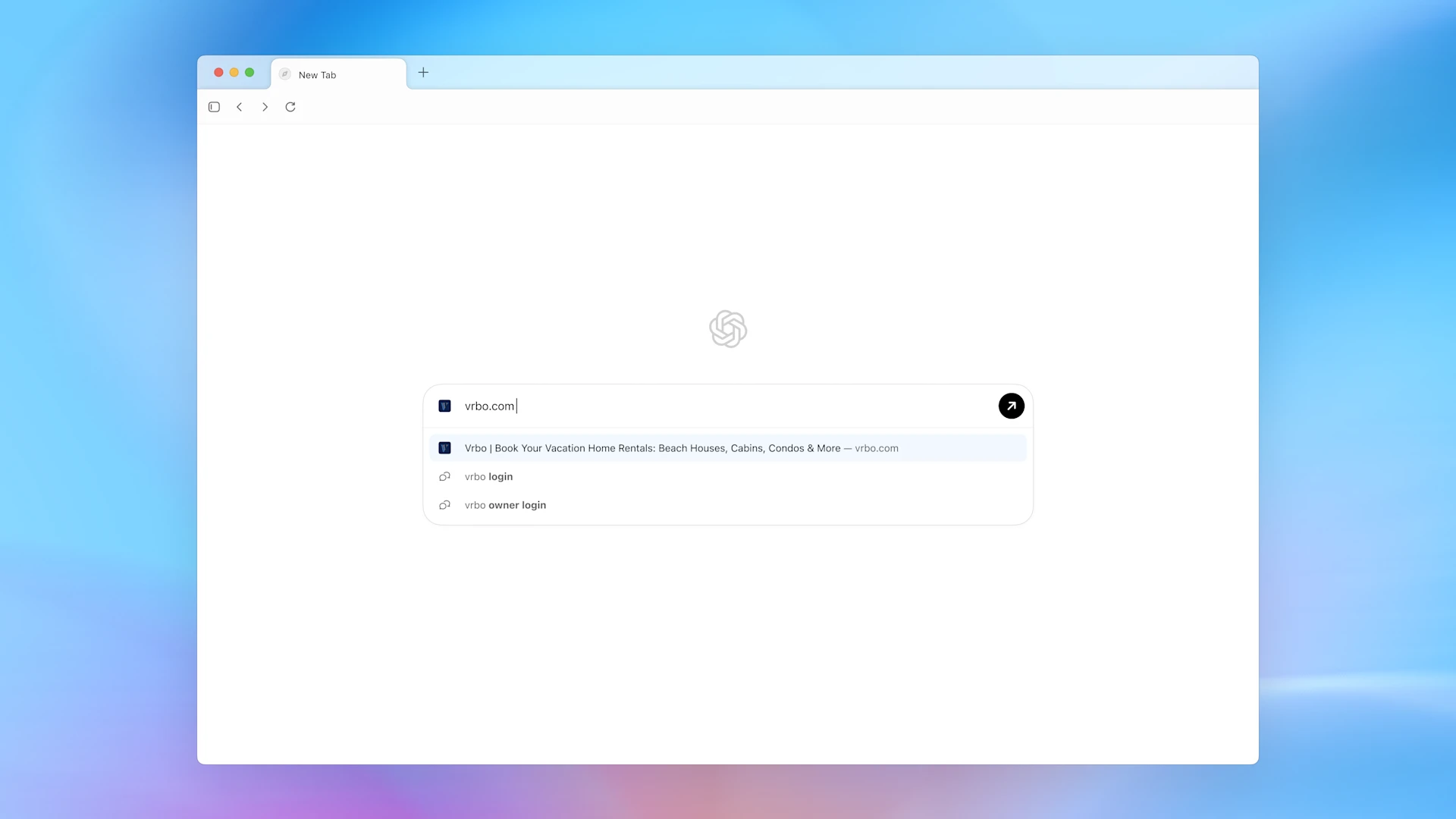
Atlas is a Chromium-based browser that adds a persistent ChatGPT sidebar. It can summarize an article you’re reading, compare items on a page, or rewrite text in place. Think “chat with this page,” not “copy and paste into a chatbot.”
Headline features
- Ask ChatGPT in the sidebar. Get fast answers that understand the page you’re on. New-tab search blends URLs and questions, so you can just type what you want to do.
- Agent Mode (preview). For Plus, Pro, and Business users, Agent can take multi-step actions in the browser like research or shopping. It runs with user controls and confirmations.
- Memory and personalization. Atlas can remember preferences to reduce repeat work. Business and Enterprise get clearer guardrails, with controls over what data is used and how teams can pilot safely.
- Where it runs. Available now on macOS. Other platforms are “coming soon.”
Why this matters
Browsers are becoming assistants. OpenAI is going after the space where we read, write, buy, and work, not just the search box. Atlas is a direct challenge to Chrome’s dominance and part of a broader AI-browser race.
Early hands-on impressions
Expect some rough edges. The sidebar can be helpful but occasionally off-base. That’s normal for day-one agentic features, yet worth knowing before you move your whole workflow.
Security and privacy, in plain English
Agentic browsing brings new risks. A key issue is indirect prompt injection—malicious instructions hidden in web content that try to steer the assistant. The prudent setup is to keep confirmations on, use a separate browser for sensitive tasks, and be thoughtful about what you allow the agent to do. Business tiers include toggles for memory and data use.
Great first uses
- Speed-read the web. Summarize long reports, then ask follow-up questions right on the page.
- Compare options. Line up specs and reviews without juggling five tabs.
- Light automation. Have Agent draft emails, compile a shopping list, or gather sources, with you approving each step.
Getting started
Download Atlas for macOS from OpenAI’s site. It works for Free, Plus, Pro, and Go accounts, with Agent Mode in preview for paid tiers and Business beta available for organizations.
Bottom line
Atlas is a bold swing at reimagining browsing with an assistant that understands your context. If you’re curious, try it for reading, light research, and on-page drafting. Keep confirmations on, pilot it alongside your current browser, and reassess as Agent matures.
Related reading
- The Definitive Guide to Self-Reflective RAG (Self-RAG): Building “System 2” Thinking for AI
- Master Class: Fine-Tuning Microsoft’s Phi-3.5 MoE for Edge Devices
- GraphRAG vs. Vector RAG: Which One Wins in 2026?
Author update
I will keep this post updated as new results or tools appear. If you want a deeper dive on any section, tell me what to prioritize.